
2-5 business days
motherboard-repair-toronto
12-month warranty
Repair services
Compare common repairs, see typical timing, then choose your exact model to request current pricing.
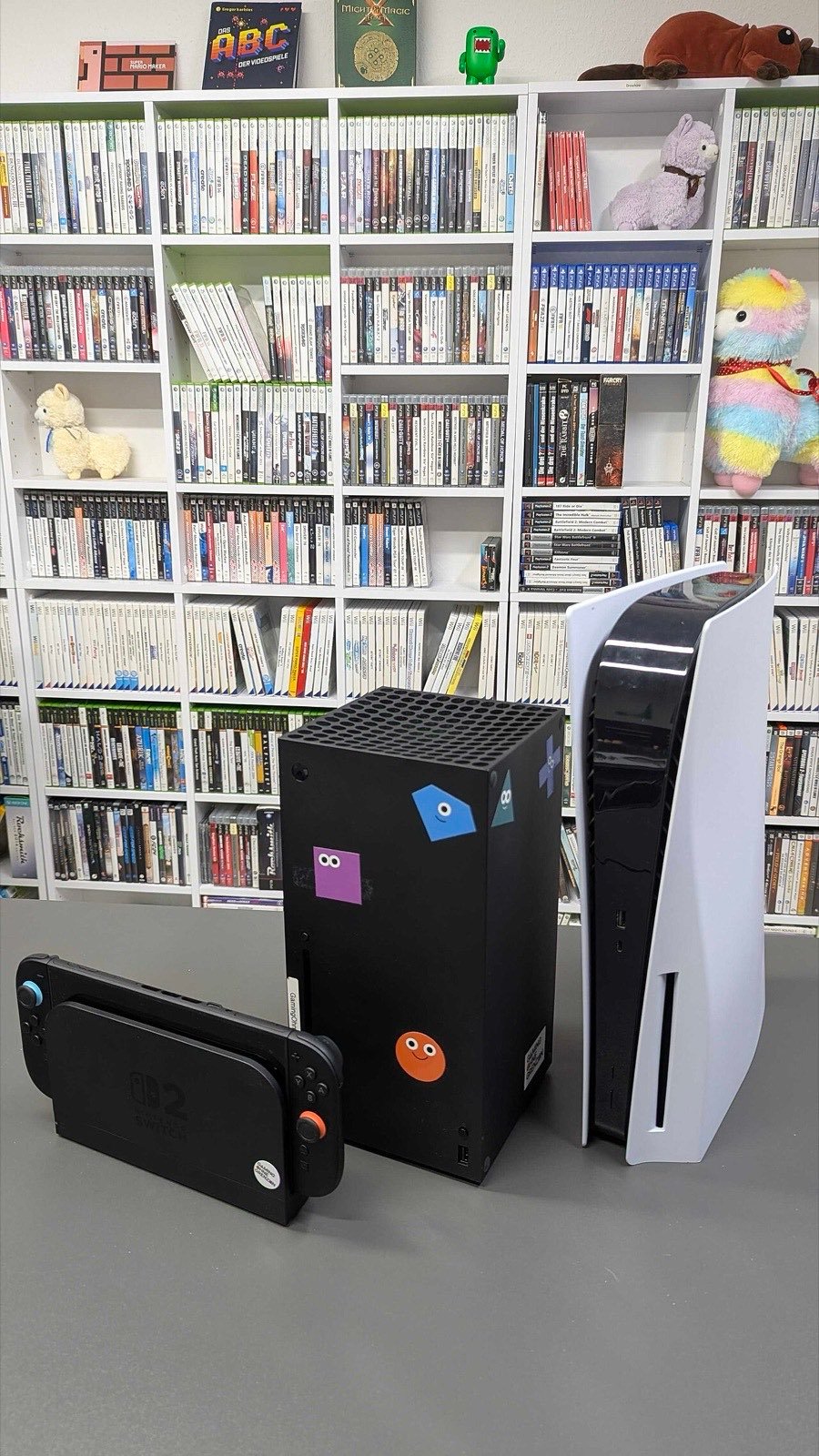
Choose a device family to see supported repairs and request pricing.
Each approved repair includes final quality testing. Diagnostic terms depend on the issue.
Broken rear glass, sharp edges, camera-area damage, or a loose back panel. Request a model-specific back glass repair review.
Rapid drain, shutdowns, slow charging, swelling, or unusual heat can point to a battery or power problem. Ask Teltaks about the right next step.
Power, volume, mute, home, crown, and side-button problems can be mechanical, flex-cable, frame, software, or liquid related.
Loose cable, intermittent charging, debris, moisture warnings, or no connection. Teltaks checks the charging path before recommending cleaning or repair.
Stick drift, charging, buttons, triggers, rails, or connection problems can affect PlayStation, Xbox, and Nintendo controllers.
Photos, messages, work files, or device access may depend on the type of damage. Request an evaluation before more recovery attempts.
When the symptom does not point to one part, a structured diagnostic helps identify the next step and prevents unnecessary repair.
A console that will not accept, read, or eject discs may have a loading, laser, mechanical, software, or board-related fault.
Selfie camera, video call, focus, face unlock, or sensor problems need a careful model-specific check before parts are replaced.
No signal, flicker, loose cable fit, or a visibly damaged HDMI port can involve the connector, cable, display settings, or console board.
A device that appears completely dead can have a battery, charging, power supply, port, liquid, board, or display fault.
Heat, loud fan noise, thermal warnings, or shutdowns can come from airflow, dust, fan, thermal material, software load, or power faults.
Cracked glass, display lines, black screens, and touch problems. Request a current screen repair quote from Teltaks in Toronto.
Blur, focus failure, shaking, black image, cracked lens, or camera warnings can involve the lens, module, software, or impact damage.
Startup loops, update failures, crashes, account locks, and slow performance may need software repair, storage review, or hardware diagnostics.
Low volume, distortion, no microphone input, or call audio trouble can come from debris, settings, damage, liquid, or the audio hardware.
Storage errors, failed updates, slow startup, missing capacity, or repeated crashes can involve the drive, file system, software, or board.
Liquid exposure needs a careful evaluation. Power the device off, stop charging it, and ask Teltaks about the safest next step.
Use the same repair team whether you are nearby or shipping from across the US.
Start with a diagnostic request. Standard or advanced testing terms are confirmed before testing begins.
Book a Repair WhatsApp